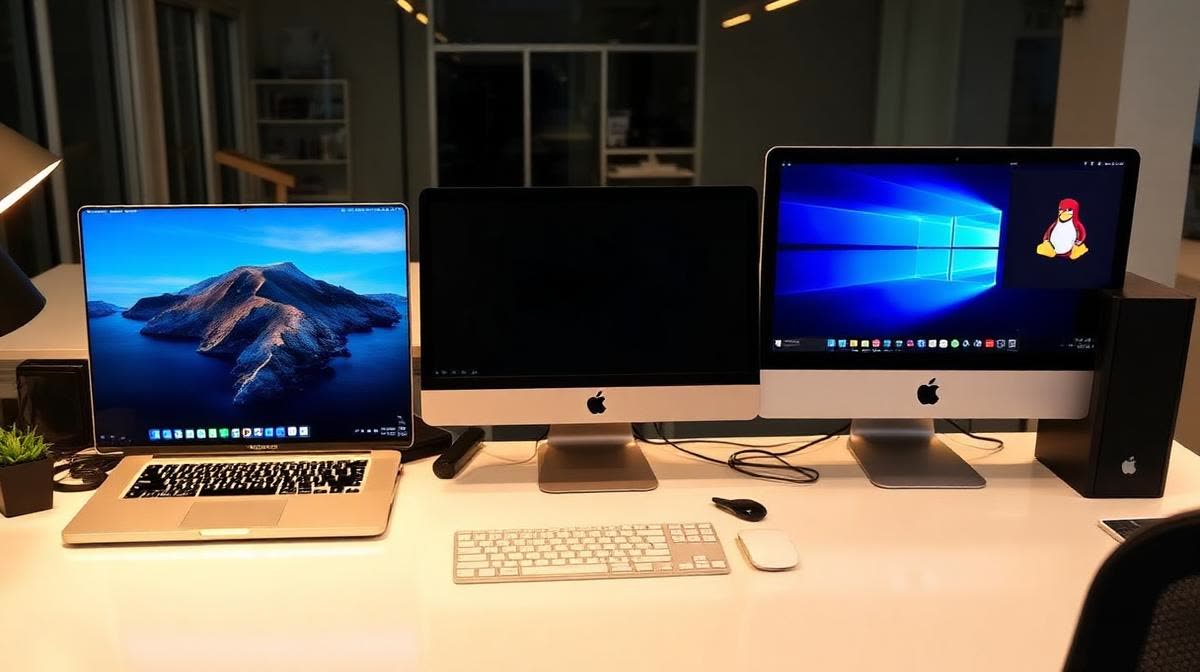
 Workstations
Modern Workstations Compared: Windows 11, Mac M4, and Linux for Business
Selecting the right workstation platform is one of the most impactful technology decisions a business can make. In 2025, organizations have three mature, compelling options: Microsoft Windows 11, Apple's M4-powered Macs, and Linux-based desktops. Each brings distinct strengths depending on your industry, workflow, and IT strategy.
Windows 11: The Enterprise Standard
Windows 11 remains the dominant business platform, powering roughly 70% of enterprise desktops worldwide. Microsoft's latest release brings a refreshed UI, improved security features, and tighter integration with Microsoft 365 and Azure.
Key Strengths
Software compatibility — The vast majority of business applications, including industry-specific tools for accounting, engineering, healthcare, and legal, are built for Windows first. Active Directory and Group Policy provide centralized management at scale. Hardware flexibility — Windows runs on everything from budget laptops to high-end workstations from Dell, HP, and Lenovo. Businesses can choose hardware that fits their budget without platform lock-in. Security improvements — Windows 11 requires TPM 2.0, Secure Boot, and virtualization-based security (VBS) by default. Microsoft Defender for Endpoint provides enterprise-grade threat protection built into the OS.
Considerations
Windows licensing costs add up, especially with Microsoft 365 E3/E5 subscriptions. Patch management remains a significant operational burden, and Windows endpoints are the most targeted by malware and ransomware due to market share.
Apple M4 Macs: Performance Meets Simplicity
Apple's M4 chip — available in the MacBook Pro, iMac, and Mac Mini — delivers extraordinary performance per watt. The unified memory architecture and hardware-accelerated machine learning make M4 Macs exceptional for creative, development, and data science workloads.
Key Strengths
Performance efficiency — The M4 chip delivers workstation-class performance while consuming a fraction of the power of comparable x86 systems. Battery life on MacBook Pro models routinely exceeds 15 hours. Security architecture — macOS benefits from Apple's vertically integrated security model: hardware-level encryption, a signed system volume, and Gatekeeper app verification. Macs face significantly fewer malware threats than Windows. Developer experience — macOS is built on a Unix foundation, making it the preferred platform for web developers, iOS/macOS developers, and data scientists. Homebrew, Docker, and most open-source tools run natively.
Considerations
Apple hardware carries a premium price. Enterprise management, while improved with Apple Business Manager and MDM solutions like Jamf, still lags behind Windows/Active Directory for large deployments. Some legacy business applications lack macOS versions.
Linux Desktops: Open Source Power
Linux desktops have matured significantly. Distributions like Ubuntu 24.04 LTS, Fedora Workstation, and Linux Mint offer polished, user-friendly experiences that rival commercial operating systems — with zero licensing costs.
Key Strengths
Cost — No per-seat licensing fees. For businesses deploying hundreds of workstations, this represents substantial savings. Security — Linux's permission model, smaller attack surface, and rapid community patching make it inherently more resistant to malware. SELinux and AppArmor provide mandatory access controls. Customization and control — Linux can be tailored to exact specifications. Kiosk deployments, thin clients, development workstations, and server administration terminals all benefit from Linux's flexibility. Longevity — Linux runs efficiently on older hardware, extending the useful life of machines that can no longer run Windows 11 due to TPM or CPU requirements.
Considerations
User training is the biggest barrier. Employees accustomed to Windows or macOS need adjustment time. Some commercial software — particularly Microsoft Office (though LibreOffice and web-based Microsoft 365 are viable alternatives) and Adobe Creative Suite — lacks native Linux support. Enterprise management tools are less mature than Windows equivalents.
Choosing the Right Platform
The best choice depends on your specific needs: Choose Windows 11 if you rely on Windows-specific business applications, need Active Directory integration, or have an established Microsoft ecosystem. Choose Mac M4 if your team works in creative, development, or data science fields, values build quality and longevity, and can absorb the hardware premium. Choose Linux if you prioritize cost savings, security, and control — especially for developer workstations, servers, kiosks, or environments where open-source tools meet your needs.
The Hybrid Approach
Many forward-thinking businesses deploy a mixed environment: Windows for administrative and finance staff, Macs for creative and development teams, and Linux for servers and specialized workstations. Modern management tools and cloud-based applications make cross-platform environments more practical than ever.
How N Data Systems Can Help
N Data Systems helps businesses across East Texas evaluate, deploy, and manage workstation environments across all three platforms. Whether you're standardizing on a single OS or managing a hybrid fleet, our team ensures your endpoints are secure, performant, and cost-effective. Contact us for a workstation strategy consultation.